TikTok Video Downloader HD 4K
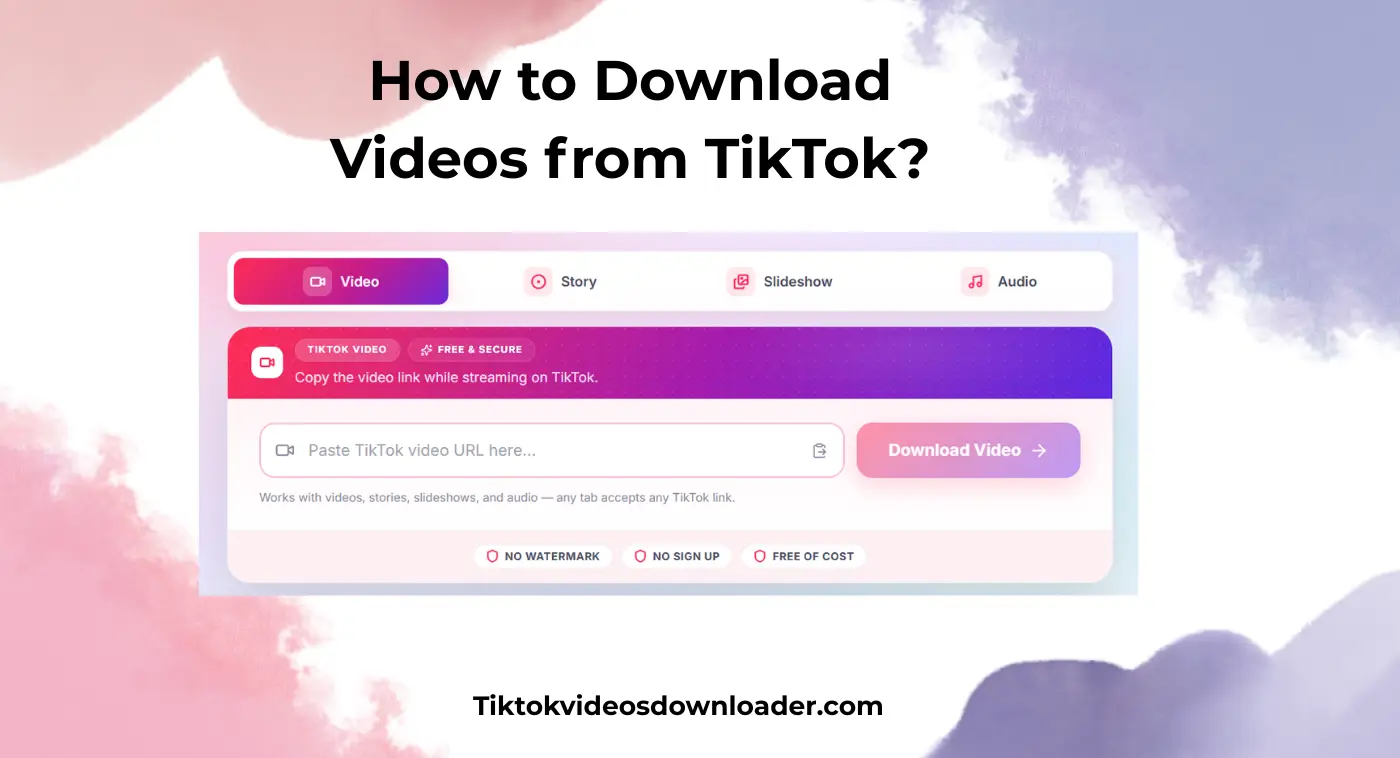
Copy the video link while streaming on TikTok.
Works with videos, stories, slideshows, and audio — any tab accepts any TikTok link.
TikTok Video Downloader HD 4K is the best free online tool to download TikTok videos without watermark. Paste a TikTok link and save HD/4K MP4 or MP3 instantly on Android, iPhone, and PC — no install and no sign up.
It's very disappointing when you really want to save videos while streaming but TikTok doesn't allow it. TikTok Downloader is a perfect solution for it. It's a fast, reliable, and free online way to download tiktok videos. It's a lightweight tool that doesn't require your device local storage to operate. You can access it without installing any software and download your favorite videos right at fingertips. TikTok video Downloader without Watermark HD is compatible with all devices. You can visit our website and tap on the input box. Paste the TikTok video download link to save instantly into your device.

TikTok Downloader is worldwide popular due to its mind-blowing features. It offers;
No Watermark
From this reliable website, you can download tiktok videos without a watermark. You can save clean media without the app's logo or username.
No Subscription Required
It's a free tool with dozens of extra ordinary features. You don't need to pay for saving media on it.
Personalization
This superb application allows you to save TikTok videos according to your requirements. You can choose 360p, 480p, 720p, 1080p, 4K and MP4 or MP3 format.
Compatible with All Devices
You can access it on Android, iPhone, tablets, Windows, MacOS, and IPad directly through your browser.
Easy-to-Use
You don't need any technical knowledge or user's guide to download tiktok videos. You just need to visit our website and paste the video URL to download without limits.
No Registration
This application is safe to use. It prioritizes users' safety and privacy and never asks for personal details. You can continue saving content on it without registration.
This free online saver allows you to download TikTok videos, stories, images, audio, and slideshows. Unlike the TikTok video download app, it's completely free and operates directly on your browser. It features;
Instant Downloads
Tap the Download button to save media directly into your device gallery within seconds.
No Ads
This site runs no advertising, no pop-ups, and no hidden redirects. Nothing is loaded from third-party ad networks.
Unlimited Saves
You can download video tiktok anytime at any place without restrictions.
Supports Multiple Formats
This wonderful application supports multiple formats. You can save content in MP4 HD, MP3, and jpg.
Secure Platform
You can access this free downloader TikTok on your personal device. It ensures safe and secure usage without malware, viruses, or adware.
If you're tired of being restricted on TikTok for saving your favorite videos. Do you want to download tiktok video HD in MP4 format without watermark? Try this free TikTok Video Downloader. Here are the simple steps to use it.
Step 1 — Copy URL: Tap on the share icon while streaming videos on TT. Click on the video link to copy to your clipboard.
Step 2 — Paste URL: Visit our website and click on the input box. Paste the copied URL into the blank box.
Step 3 — Choose Format: Wait until the video appears. Choose on-demand media quality (360p-1080p) and format.
Step 4 — Save Video: Tap Download videos, tap download button. The video will save into your internal storage for offline access.
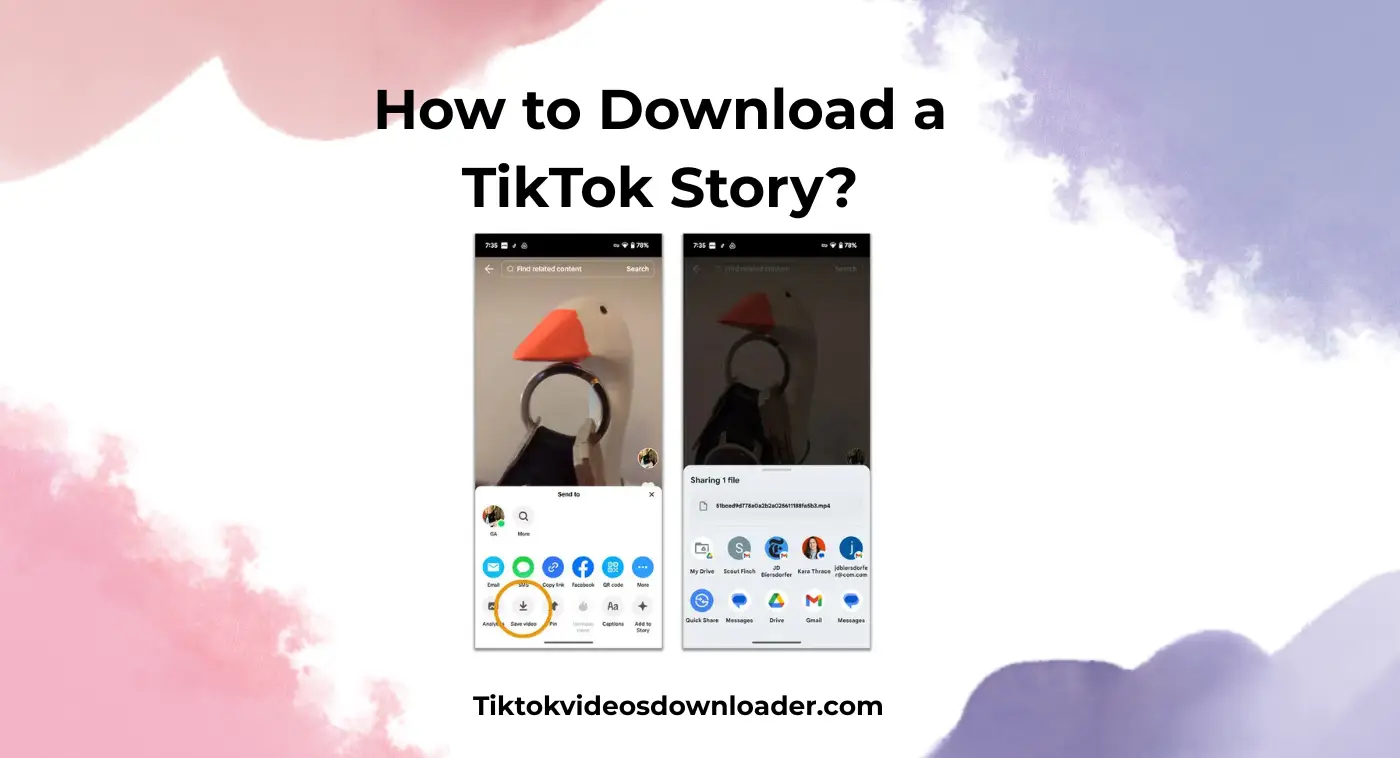
TT users can share stories with friends and family. TikTok does not provide a save button for stories. This tool retrieves the same publicly available media your browser already loads when you view a public story. You can use it for free by following simple steps.
Open the story you want to download on TT.
Tap on the share icon and copy the URL.
Visit our website and paste a story link.
The media will appear, you can tap the download button to save it successfully.
In recent updates, TikTok allows sharing slide shows. Viewers can manually swipe screens to see slide shows posted by different creators. Now you can save slideshows from TikTok by following the simple guide.
Open your browser and search for "Tiktok video downloader without watermark".
Locate and open our website.
Tap the input box and paste the slideshow link.
Click the Download button and save the video into your mobile gallery.
Here we have a complete step-by-step guide on saving TikTok audio.
Copy the media link.
Paste into the tik tok downloader and choose the MP3 format.
Tap the Download button and save audio into your device.
TikTok video downloader is highly secure and free to use on mobile. As a mobile user, if you save your favorite TikTok videos in HD, MP4, or MP3 format. You need to look further because tiktok video downloader is the perfect solution. It ensures smooth and stable usage by allowing you to save whatever you want from TT. Whether you want to save videos up to 4K quality or media in only MP3 format. Here we have a complete guide on it.
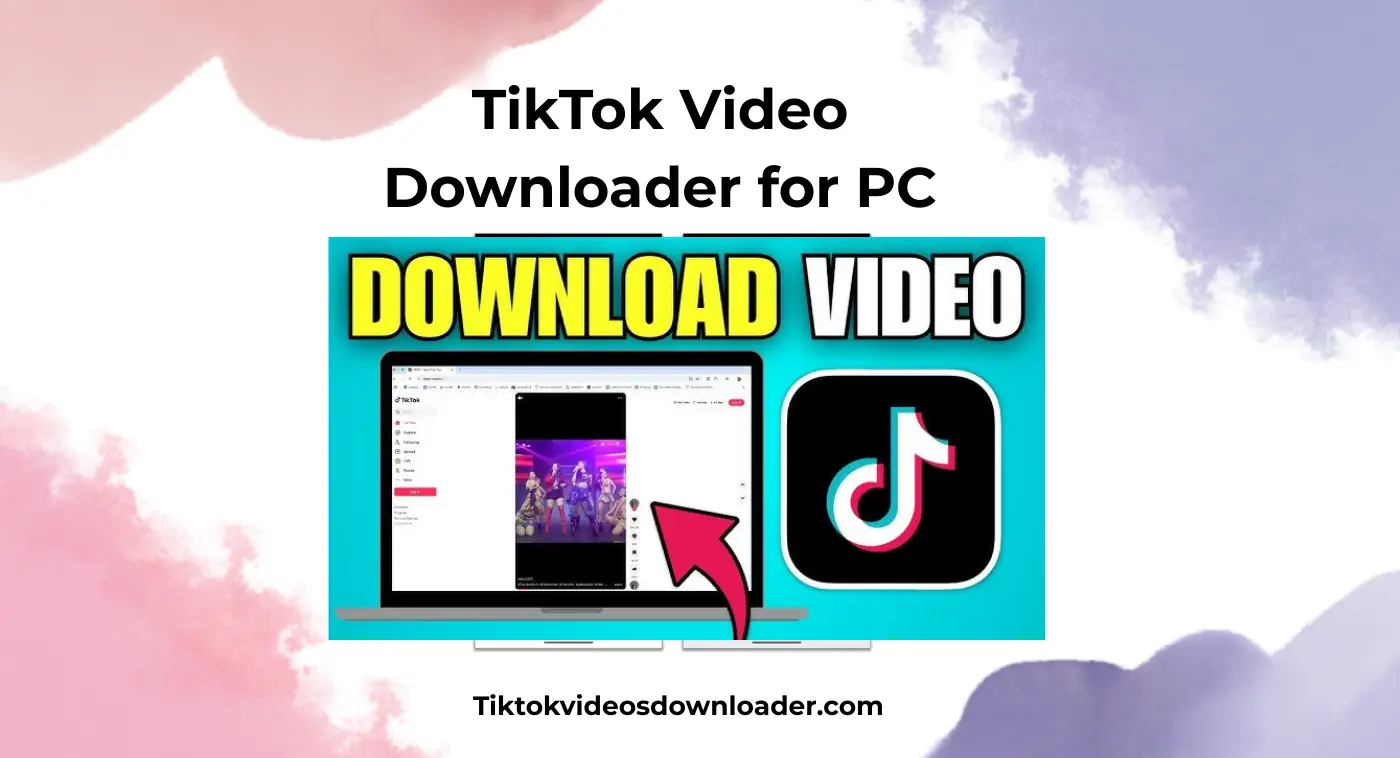
As a content creator, streaming enthusiasts, or social media manager, do you want to save videos from TikTok for learning and offline streaming? If yes then you're in the 100% right place. We help you to download unlimited videos safely from TT to your PC. You just need to visit our webpage and paste links to save high quality media.
If you see restrictions on downloading TikTok videos. If you want to save high definition MP4 and MP3 files without username. You can try our free TikTok Downloader. It works smoothly on iPhone, MacOS, and iPads for high speed downloads. We don't require users to register accounts or install heavy software. You can follow the above mentioned guide to save videos right at your fingertips.
It's normal to see errors while saving online videos. Let's discuss some common issues and their quick fixes while downloading videos.
Video not Downloaded
If you're wondering, why can't you download TikTok videos? The most common reasons are a private or removed video, a mistyped link, or a temporary network issue. Check the link is public and complete, then try again.
Not Appearing in Gallery
If the video doesn't appear in your gallery even after successful downloads then don't worry. You can check your internal files to locate saved media. Try saving videos in the availability of fast and stable internet to fix issues.
File not Found
Ensure that your device is connected to a fast and stable internet to avoid errors. If you have copied an incorrect URL then the video may not appear. Always copy the correct video URL from the official source to save successfully.
If you're looking for the best online tiktok video downloader for Android, IOS, and PC. Then you're in the right place. We help you to save from tiktok without a watermark or login. We show no ads at all and never ask for hidden subscriptions. You can choose between 360p to 4K quality and MP4 or MP3 formats. You just need to tap the download button and save desired content directly into your gallery.
Copy TT video link and paste into this secure web based tool and tap download button to save it.
No, this feature is not yet installed. TT doesn't notify creators if someone downloads videos from their profile.
No. This tool only retrieves media TikTok already serves publicly to a signed-out visitor. Private, friends-only, and removed videos cannot be retrieved.
Yes, video downloaders like this trusted web-based tool are completely safe to use.
You may not be able to save tt videos if the creator doesn't allow it, the account is private, or the creator is under 16 years old.
No, you don't need to login to your TikTok account or register on our website. It allows you to continue downloading high definition content even without signing up.
The downloaded videos appear in your device gallery. If you can't see videos, visit your internal storage and locate the download folder to access the saved file.
If you're using a paid tool then they will ask you to pay for Downloading videos. This superb tool is completely free of cost. You can access it anytime through your browser by connecting a stable internet to save unlimited videos without fees.
If not allowed by creators, downloading someone's content and reposting it on your account is against the terms. It violates copyright policies and is considered illegal. But you can download videos to save into your gallery for learning and offline viewing.
Yes, you can download TT videos from public accounts.
You can use a secure online video downloader such as our website. We allow you to save HD TikTok videos without watermark on iPhone, Android, and PC.
This secure webpage is one of the best TT downloaders due to its extravagant services. We ensure safe, free, and user- friendly experiences with instant downloads.